About
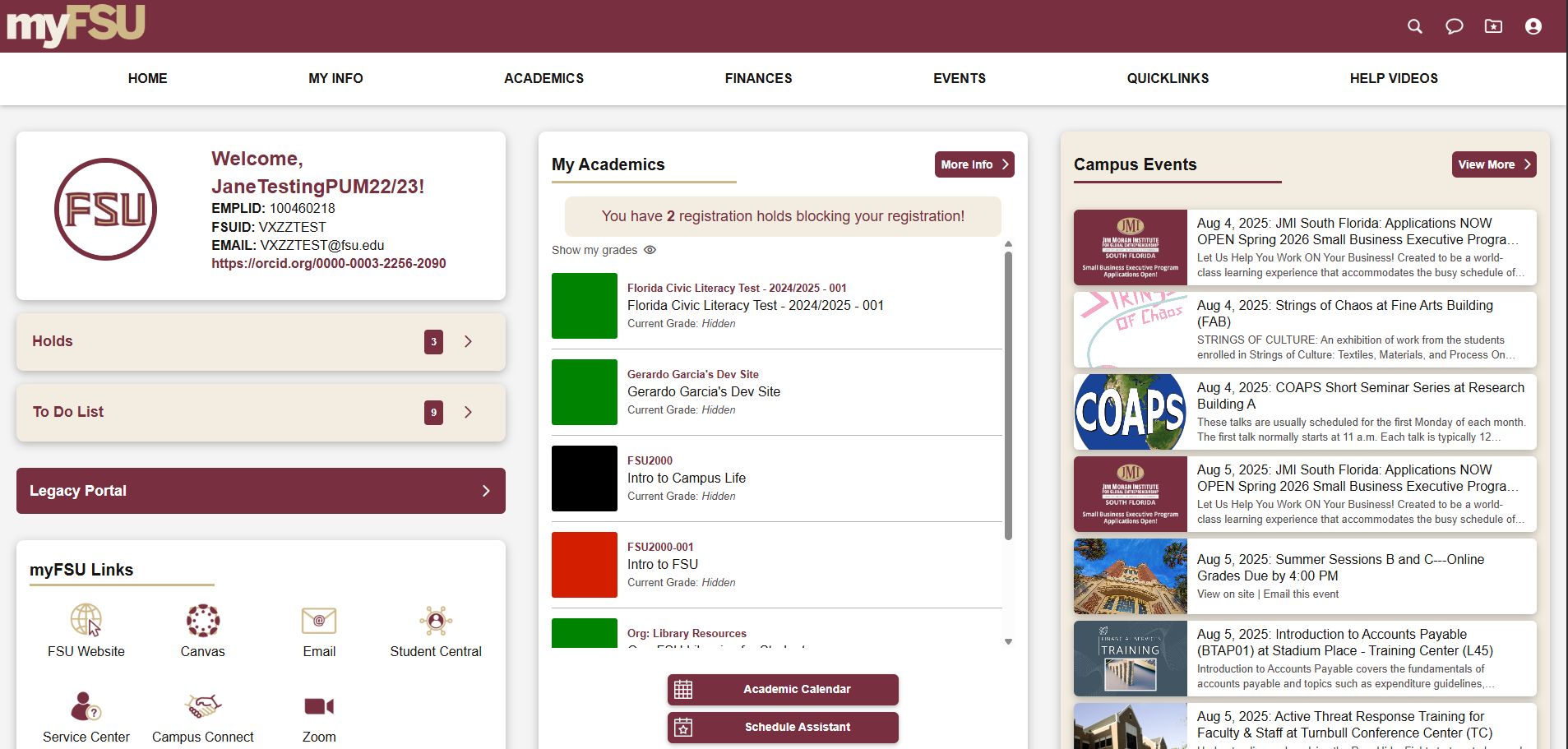
The myFSU Portal & Mobile Redesign was a large‑scale initiative to modernize Florida State University’s primary digital portal used daily by students, faculty, staff, and admitted applicants. The goal was to create a mobile‑first, accessible, and intuitive experience that made critical academic, financial, and administrative information easier to find and use—while supporting a wide range of user types and behaviors across web and mobile platforms
My Role
-

Imagine and Design
Designing and refining user interfaces and interactions across portal pages.
-

Creation and Iteration
Iterating on designs based on stakeholder feedback, usability testing, and beta user input.
-

Adapt as Needed
Improving content clarity, naming conventions, and UI consistency.
-

Monitor
Supporting both desktop and mobile experiences to ensure parity and coherence.
Problem & Constraints of the Legacy portal
The Process
Research & Feedback
Collected ongoing user feedback through internal reviews, beta user testing, UAT sessions, and stakeholder demos to identify pain points and prioritize improvements.
Design & Iteration
Created and refined wireframes, UI layouts, and interaction patterns for key portal areas (such as academics, events, navigation, and quick links). Design decisions were continuously adjusted based on feedback and technical constraints.
Testing & Refinement
Supported usability testing, beta rollouts, and post‑release adjustments, addressing feedback quickly to improve clarity, accessibility, and usability before full launch.
Development & Implementation
Translated designs into functional components, coordinated with developers on data integrations and conditional logic, and ensured consistency across new and existing features in both web and mobile views.
Outcome
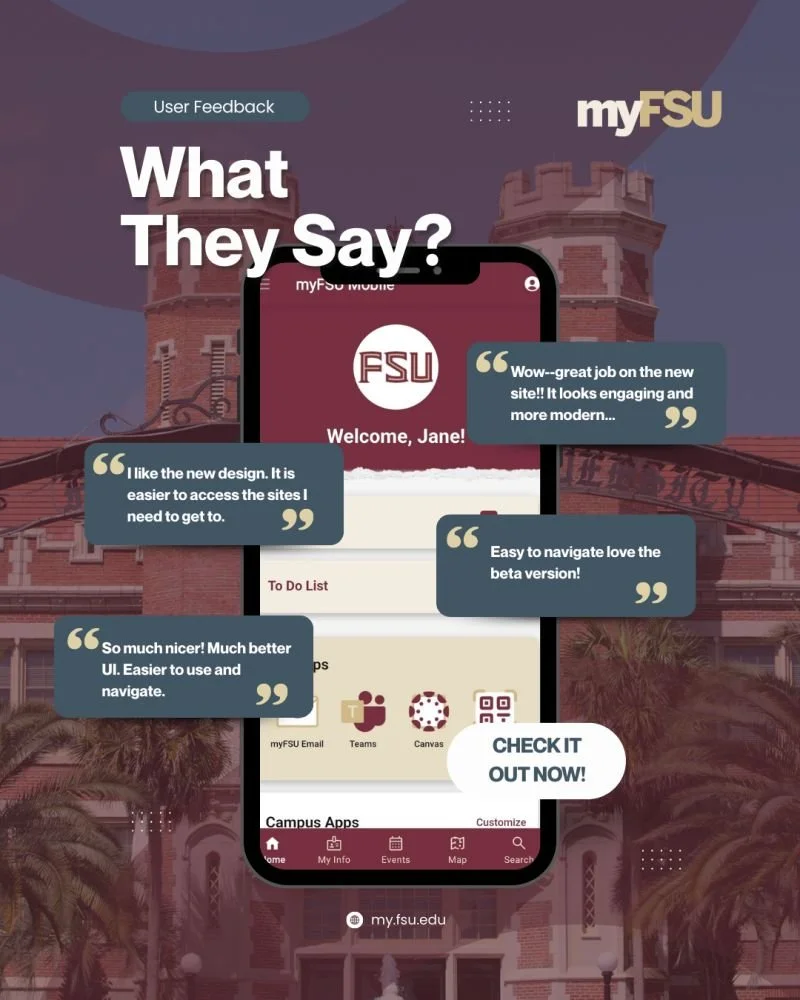
The redesigned portal delivered:
A cleaner, more intuitive navigation structure
Improved accessibility and content clarity
A consistent, mobile‑friendly experience across devices
Increased user engagement and positive feedback during beta and post‑launch phases
The project successfully balanced evolving user needs with institutional and technical realities, resulting in a more modern and scalable portal experience for the FSU community.
What I learned
Design with real user behavior in mind—especially in complex systems
Iteration and feedback as core parts of both design and developmen
Clear communication and collaboration across multidisciplinary teams
Treating accessibility and clarity as foundational, not optional
Project Documents
-
Redesign One-Pager
-
Competitive Analysis
-
Service Provider Proposal